Create a "My Show Planner" account by following these easy steps: Using the same email address that you used for registration, add your email. Enter the 6-digit verification code that was sent to your email address. Create a password and then you're all set! Note: If you enter an email address different than the one you registered with, you'll need your badge ID to log in.
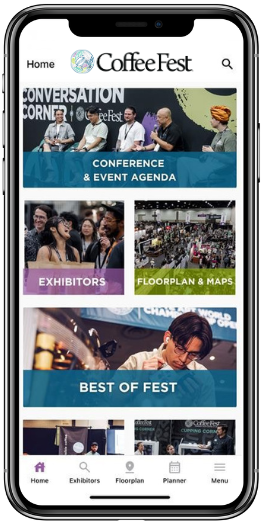
With a "My Show Planner" account you can: Search and save exhibitors, products, and sessions to your Planner Browse the floor plan and map your visit Discover speakers and filter the education schedule by date, time, or location Add Notes to your saved sessions and exhibitors in your Planner